
One sample repair
Follow a repair from intake to receipt.
Cash book
Start with the cash book.

The Valletta cash point shows €25.00 before this payment.
Stage 1 of 8 · Cash book · paused
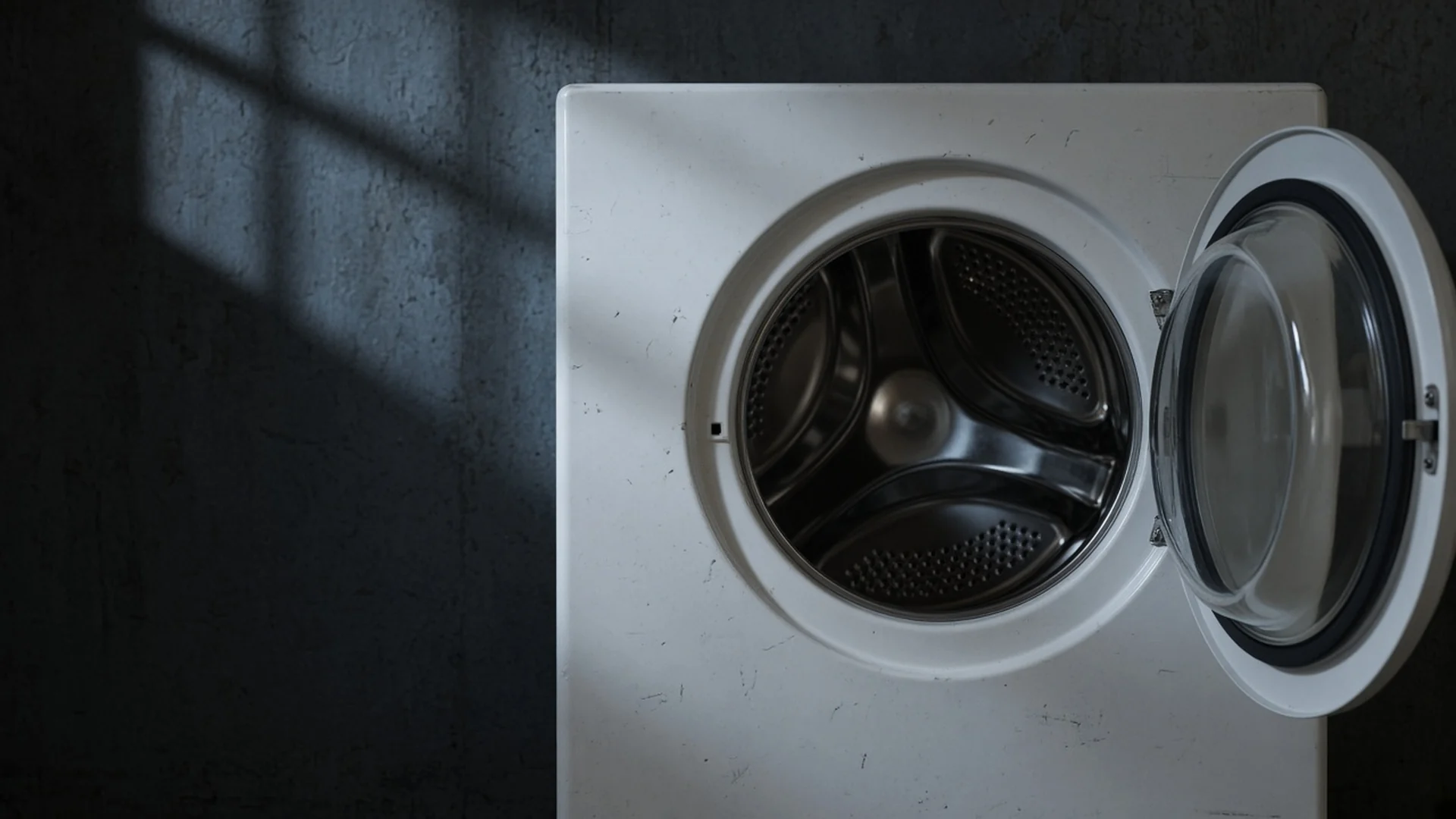
Repair and service work
PettyLogs is repair software that connects customers, appointments, jobs, parts, payments and receipts with device history and the cash book.
My Purchases lets customers open their repairs and sale receipts after they create an account.
Create an account without a card. The Digital Cash Book is free; Repairs, Cash Sales and Reporting are paid modules.

One sample repair
Cash book
Start with the cash book.
The Valletta cash point shows €25.00 before this payment.
Stage 1 of 8 · Cash book · paused
For phone, electronics and appliance repair, auto workshops and other service businesses. Choose your business category at setup; terminology adapts—for example, Device becomes Vehicle and Brand becomes Make.
 Phone Repair SoftwareIMEI and serial on the job
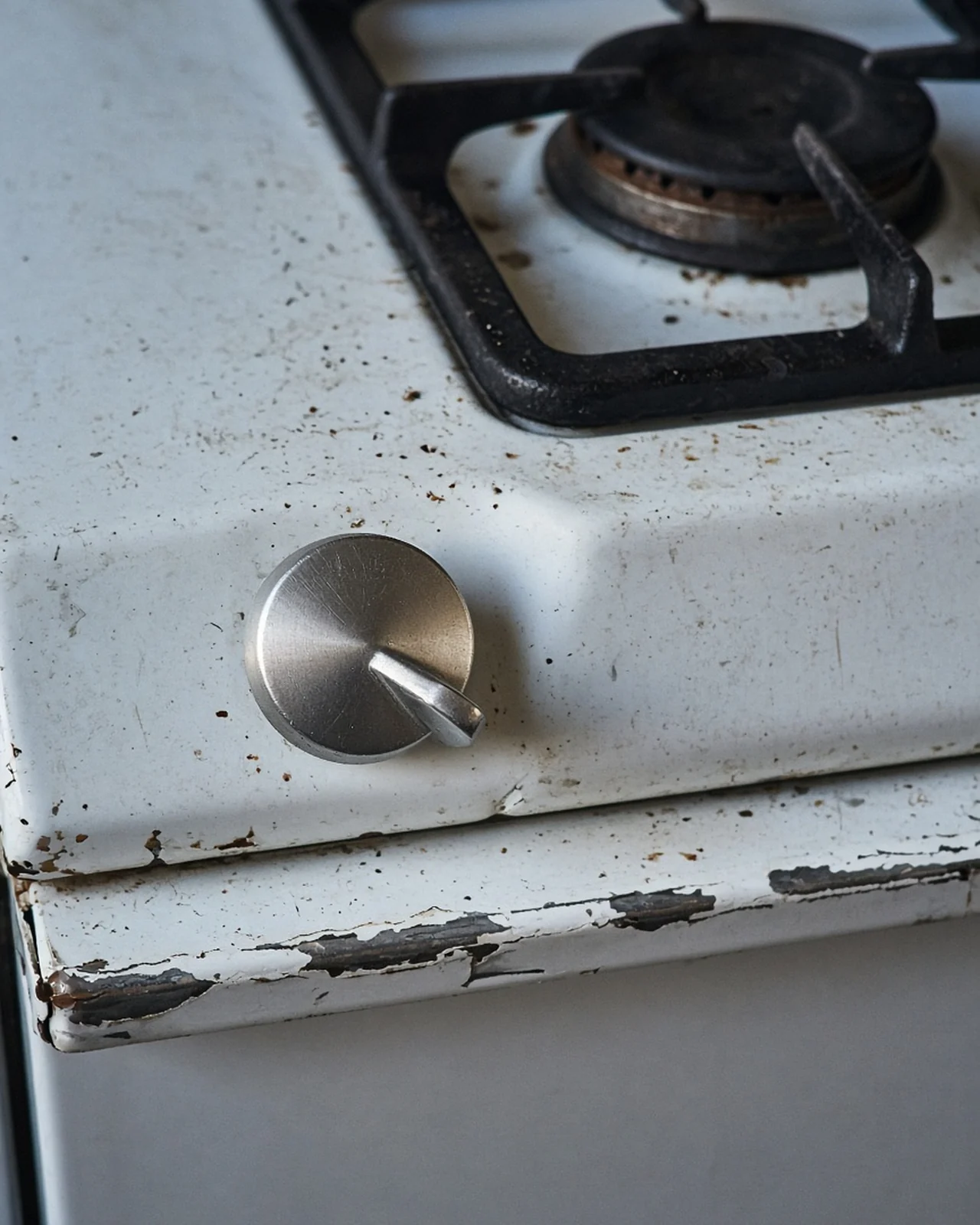 Appliance Repair SoftwareRating plate on the job
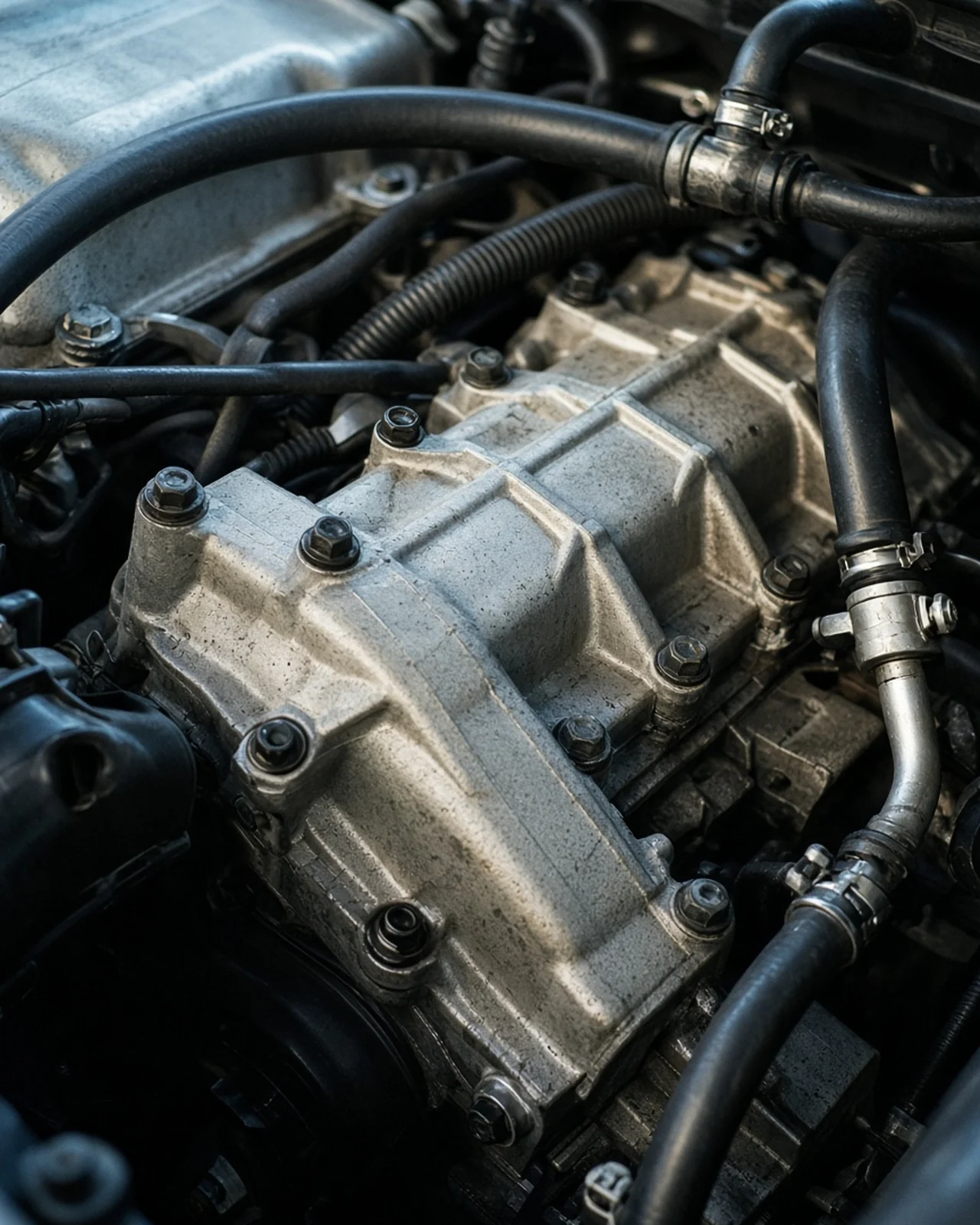 Auto Workshop SoftwareVIN scanned, licence plate typed
 Service Business SoftwareJobs, receipts, and the cash book
Customer Devices keeps each device or vehicle's model, serial number, IMEI or VIN, warranty details and repair and sale history together, ready for the next repair. Search by identifier, model or customer.
Photograph a device label or VIN plate; AI suggests identifiers for you to check before saving.
Customers
My Purchases lets customers follow repair jobs and view their sales and receipts. Customer access is free, without registering an organisation or buying a module.

The Digital Cash Book stays free, and creating an account does not need a card. Repairs, Cash Sales and Reporting are paid monthly in euro. Read the pricing and FAQs for module dependencies, trial and demo conditions, and cancellation details.
See pricingThe Digital Cash Book stays free. Creating an account does not need a card. A first shop or business can also include a time-limited trial of the paid modules, still without a card. Keeping those modules after the trial needs a card. The demo does not need a card. It is time-limited, and each account can open one.
Cash Sales, Repairs and Reporting are paid monthly in euro. Cash Sales requires Reporting, and Repairs requires Cash Sales, so turning on Repairs turns on all three. You can cancel, and access continues until the end of the current billing period.
Yes. Repair and Cash Sales payments feed the same cash book with numbered receipts when those paid modules are on. Manual income entries also generate a numbered receipt.
With the paid Repairs module, identify the customer and device, and add labour and parts. Finishing the job produces a collection report, and each payment generates a numbered receipt in the cash book.
Photograph a label from a repair job. AI suggests make, model and serial, IMEI or VIN, and it can miss, so you check before saving. In an auto workshop, a VIN plate can be scanned. The licence plate is typed in.
Yes. My Purchases shows customers their receipts, cash sales and repair jobs, without an organisation or paid module. They can turn on a push alert when a repair is ready to collect.
Yes. The cash book can export a CSV formatted for Xero. With Reporting: the day's log, a cash count, the Cashbook, and a Full System report of cash sales and repair jobs, with cost, profit, and margin.
No. PettyLogs is operations software for the day-to-day work. With Reporting it gives your accountant a CSV formatted for Xero, and it does not replace accounting software.
Create an account without a card. Start with the free Digital Cash Book and add paid modules for your business.