
Repairs, sales and daily money

Repair shop management softwareand a free digital cash book.

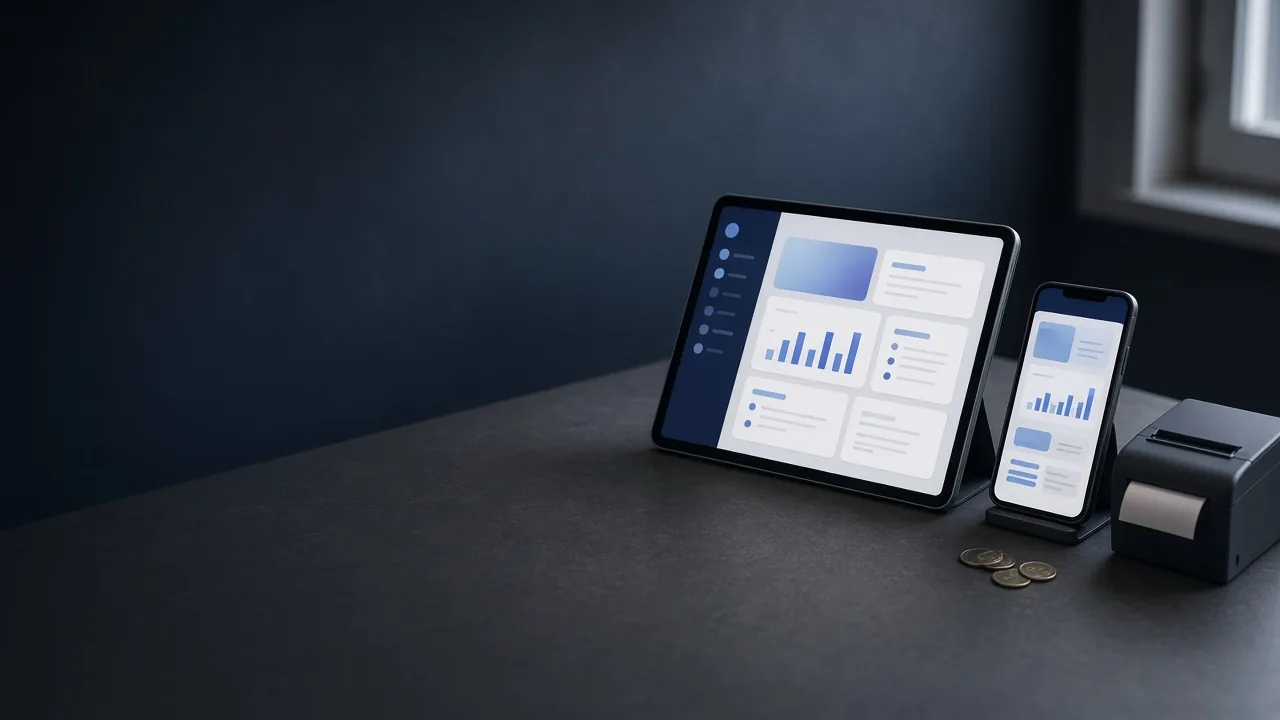
Manage repair jobs, appointments, parts and payments. Record Cash Sales with tax and receipts, or use the free Digital Cash Book on its own.

Create an account without a card. The Digital Cash Book is free; Repairs, Cash Sales and Reporting are paid modules.

My Purchases lets customers open their repairs and sale receipts after they create an account.

Labour fee of 45 euro and washing machine drive belt of 52 euro, total 127 euro
Sample record. Not a live form.

One sample repair

Follow a repair from intake to receipt.

Cash book

Start with the cash book.

Valletta cash point at 25 euro before sample repair VLT-A-0042
Sample record. Not a live form.

The Valletta cash point shows €25.00 before this payment.

Stage 1 of 8 · Cash book · paused

  • Repair jobs and device history

    Keep each repair job's fault, photos, labour, parts and status together. Find the customer's device or vehicle and previous repair history when it returns.

  • Repair scheduling and appointments

    Book repair appointments, assign staff or other resources, and view the work in day, week, month or agenda calendars. Print a day sheet for the team.

  • Repair work for teams

    Invite colleagues with role-based access and keep customer, repair and payment records in one system. Support the work across your business locations.

  • Cash Sales without repair management

    Create line-item sales with quantities, prices and different tax rates. Reserve sold items in stock for later collection, or mark them collected when handed over. Track full or partial payments and outstanding balances. Each recorded payment generates a numbered digital receipt and feeds the cash book. Cash Sales is a paid module that requires Reporting; Repairs is optional.

  • Digital receipts and the cash book

    Use the free Digital Cash Book on its own to record daily income, expenses, deposits and transfers and follow your balance. Manual income entries generate numbered digital receipts. With the paid repair or cash-sales workflows, recorded payments feed the same cash book. With the paid Reporting module, count the till against the book and print the day's log. Customers can view linked receipts in My Purchases.

  • Cashbook and Full System reports

    Run the Cashbook or the Full System report for a period you choose. Reports need the paid Reporting module, which Cash Sales requires and Repairs includes.

Who it serves

For phone, electronics and appliance repair, auto workshops and other service businesses, as well as businesses that need Cash Sales or a standalone Digital Cash Book. Choose your business category at setup; terminology adapts, for example, Device becomes Vehicle and Brand becomes Make.

Customer Devices keeps each device or vehicle's model, serial number, IMEI or VIN, warranty details and repair and sale history together, ready for the next repair. Search by identifier, model or customer.

Photograph a device label or VIN plate; AI suggests identifiers for you to check before saving.

Customers

My Purchases, without registering a shop.

My Purchases lets customers follow repair jobs and view their sales and receipts. Customer access is free, without registering an organisation or buying a module.

Receipt REP-VAL-01-00003 for 127 euro cash on sample repair VLT-A-0042
Sample record. Not a live form.

What PettyLogs helps you do

PettyLogs is software for repair shops and service businesses, as well as businesses that need sales or a cash book without repair management.

  • Free Digital Cash Book

    Record daily income, expenses, bank deposits and transfers and follow the running balance. A manual income entry creates a numbered digital receipt you can print. Use the cash book on its own, without paid modules.

  • Cash Sales

    Create itemized sales with quantities, prices and multiple tax rates on one receipt. Track deposits and outstanding balances; payments feed the cash book. Reserve items for later collection, with stock quantities and movement history kept by branch.

  • Repairs

    Follow repairs from intake to handover: record faults, photos, labour, parts, appointments and payments. Raise part requests from a job even when stock is pending, and find a returning customer's device history. Repairs requires Cash Sales and Reporting.

Reporting adds cash counts, printable daily logs and an Accounting Expenses report with expense detail and tax treatment for managers and admins. Create an account without a card; see pricing for module costs and trial terms.

See pricing

Before you start

The Digital Cash Book stays free. Creating an account does not need a card. A first shop or business can also include a time-limited trial of the paid modules, still without a card. Keeping those modules after the trial needs a card. The demo does not need a card. It is time-limited, and each account can open one.

Connect repairs, sales and your cash book.

Create an account without a card. Start with the free Digital Cash Book and add paid modules for your business.